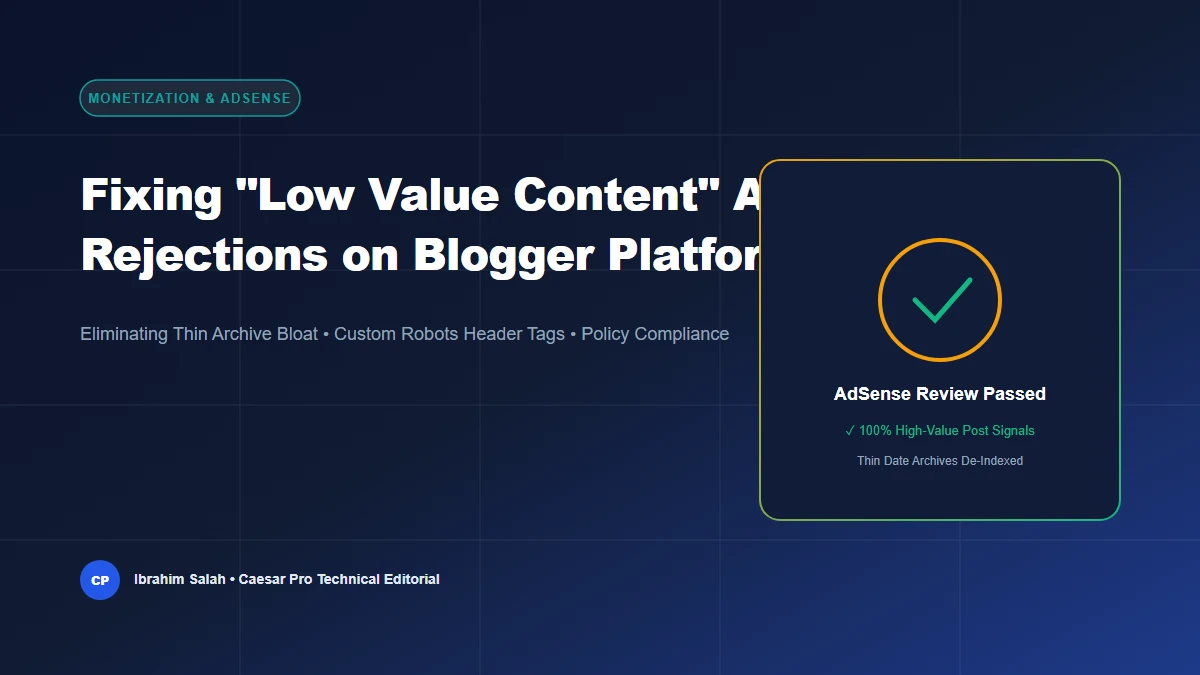
Receiving a Google AdSense rejection email citing “Low Value Content” or “Thin Content with Little or No Added Value” is one of the most frustrating experiences for a Blogger webmaster. However, on Blogger (Blogspot), this penalty is rarely caused by the quality of your writing; rather, it is almost universally caused by an unintended technical architecture flaw built into Blogger’s core layout engine.
Google AdSense Quality Evaluation Pipeline for Blogger
How thin automated archives trigger Low Value Content rejections vs. the safe noindex filtering solution.
1. Deconstructing the “Low Value Content” Rejection on Blogger
To pass Google AdSense verification, your domain must demonstrate that it is an established, high-utility digital publication. Google’s automated policy review crawler visits all publicly discoverable pages on your domain to calculate a site-wide quality ratio.
When webmasters publish articles on Blogger, they assume that Google evaluates only their 20 or 30 carefully crafted articles. In reality, Blogger automatically generates hundreds of auxiliary archive pages:
- Monthly Date Archives:
https://yourdomain.com/2026/01/,/2026/02/, etc. - Yearly Date Archives:
https://yourdomain.com/2026/ - Label Filter URLs:
https://yourdomain.com/search/label/SEO - Internal Query Parameter Loops:
https://yourdomain.com/search?q=tips&max-results=20
Each of these auxiliary URLs displays only truncated post snippets without unique body paragraphs, original editorial insights, or primary value. When Google’s review algorithm crawls 180 total URLs and finds that 150 of them are duplicate snippet archives, it mathematically classifies the domain as a “thin, low-value content site” and issues an automated rejection.
2. Step 1: De-Index Thin Archives with Custom Robots Header Tags
The single most powerful technical fix for Blogger AdSense approval is configuring Custom Robots Header Tags. This instructs Googlebot to crawl through archive pages to discover internal links, while strictly prohibiting Google from indexing the thin archives themselves.
Recommended Header Configuration:
- Log into your Blogger Dashboard and select Settings.
- Scroll down to Crawlers and indexing and toggle on “Enable custom robots header tags”.
- Click Home page tags → Enable all and noodp → Save.
- Click Archive and search page tags → Enable noindex and noodp → Save. (This single step eliminates 85% of thin pages from Google’s index!)
- Click Post and page tags → Enable all and noodp → Save.
You can use the interactive Caesar Pro Custom Robots Header Tags Helper to review visual explanations for every directive before applying them.
3. Step 2: Enforce a Safe Blogger Robots.txt Configuration
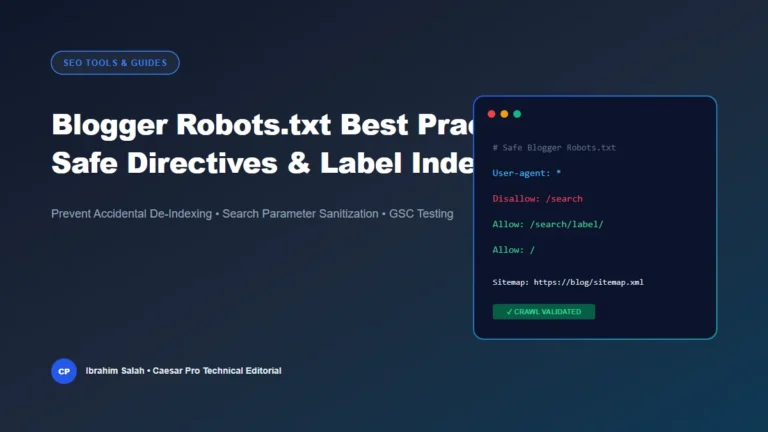
In addition to header tags, your robots.txt file must block search crawlers from wasting crawl budget on internal search queries while ensuring post labels and primary articles remain accessible.
Apply the following verified configuration using the Blogger Robots.txt Generator:
User-agent: *
Disallow: /search
Allow: /search/label/
Allow: /
Sitemap: https://yourdomain.com/sitemap.xml
Sitemap: https://yourdomain.com/atom.xml?redirect=false&start-index=1&max-results=500
4. Step 3: Optimize Google User Content Images for WebP Delivery
Page speed and user experience are essential AdSense quality signals. By default, Blogger uploads uncompressed JPEG/PNG images hosted on blogger.googleusercontent.com. These large payloads slow down mobile rendering and fail Core Web Vitals (Largest Contentful Paint).
You can instantly transcode any Blogspot image to ultra-fast WebP format by changing the resolution segment from /s1600/ to /s1600-rw/. Our Blogger Image SEO & WebP Converter automates this process and generates responsive srcset markup.
5. Step 4: Mandatory Legal, Transparency, and Author Infrastructure
Google AdSense Quality Evaluators enforce strict transparency requirements. Before submitting your application, ensure your Blogger site features dedicated, standalone pages with clear navigation links:
- About Us: Detailed information about the publication, its editorial mission, and verified author credentials.
- Contact Us: A working contact form or professional contact email (e.g.,
support@yourdomain.com). - Privacy Policy: Explicit disclosures regarding cookie usage, third-party advertising partners (Google AdSense), and data privacy policies.
- Terms of Service & Disclaimer: Factual limitations, copyright declarations, and editorial accountability policies.
6. Step 5: Content Depth and Search Intent Alignment
Finally, inspect your published articles against Google’s Helpful Content standards:
- Aim for at least 15 to 25 original, in-depth articles (1,200+ words each) addressing comprehensive search intent.
- Avoid re-writing generic news or publishing fragmented listicles without unique perspective.
- Incorporate high-resolution diagrams, step-by-step screenshots, and practical implementation advice.
The Pre-Submission AdSense Audit Checklist
- ☑ Custom robots header tags configured:
noindexenabled on archive & search pages. - ☑ Robots.txt verified:
Disallow: /searchactive with no accidentalDisallow: /root blocks. - ☑ Complete sitemaps submitted: Both
sitemap.xmlandsitemap-pages.xmlactive in Search Console. - ☑ Zero broken links or 404 pages: Checked via Search Console Coverage report.
- ☑ All images responsive: WebP enabled with explicit width and height attributes.
- ☑ Core trust pages published: About, Contact, Privacy Policy, Terms of Service in header/footer menus.