The robots.txt file serves as the universal handshake between your web server and search engine crawlers. In Google Blogger, managing crawl directives requires navigating Blogger’s managed cloud infrastructure. This technical guide outlines the exact directives, syntax patterns, and safety rules required to optimize Googlebot crawling while avoiding catastrophic de-indexing errors.
Googlebot Directives Decision Flowchart for Blogger
How crawl requests route through Disallow /search vs. Allow /search/label/ rules.
1. How Robots.txt Operates in Blogger’s Architecture
On traditional self-hosted platforms (like WordPress or Ghost), webmasters can edit a physical robots.txt file located in the root web directory. On Google Blogger, the platform operates entirely within Google’s cloud hosting cluster. Consequently, when a visitor or crawler requests https://yourdomain.com/robots.txt, Blogger dynamically renders the directives configured in your administration panel under Settings → Crawlers and indexing.
2. The 3 Most Dangerous Blogger Robots.txt Mistakes
Because robots.txt directives are parsed sequentially by search crawlers, minor syntax oversights can trigger severe search visibility penalties:
Mistake 1: The Accidental Total Site Block (Disallow: /)
Writing a bare slash after Disallow: tells all crawlers to abandon your entire website. We frequently audit Blogger sites whose traffic collapsed overnight because the webmaster copied a template intended for a staging site.
Mistake 2: Blocking Category Discovery by Over-Restricting /search
Blogger routes all label archives through the search endpoint: /search/label/TopicName. If you write Disallow: /search/ without an explicit Allow: /search/label/ rule, Googlebot cannot crawl your labeled archives, breaking your topic cluster equity.
Mistake 3: Omitting Absolute HTTPS XML Sitemaps
Robots.txt is the primary location search spiders check for your sitemap declarations. If you omit the sitemap directive or use an unsecure http:// protocol, search spiders must rely on slower link discovery mechanisms.
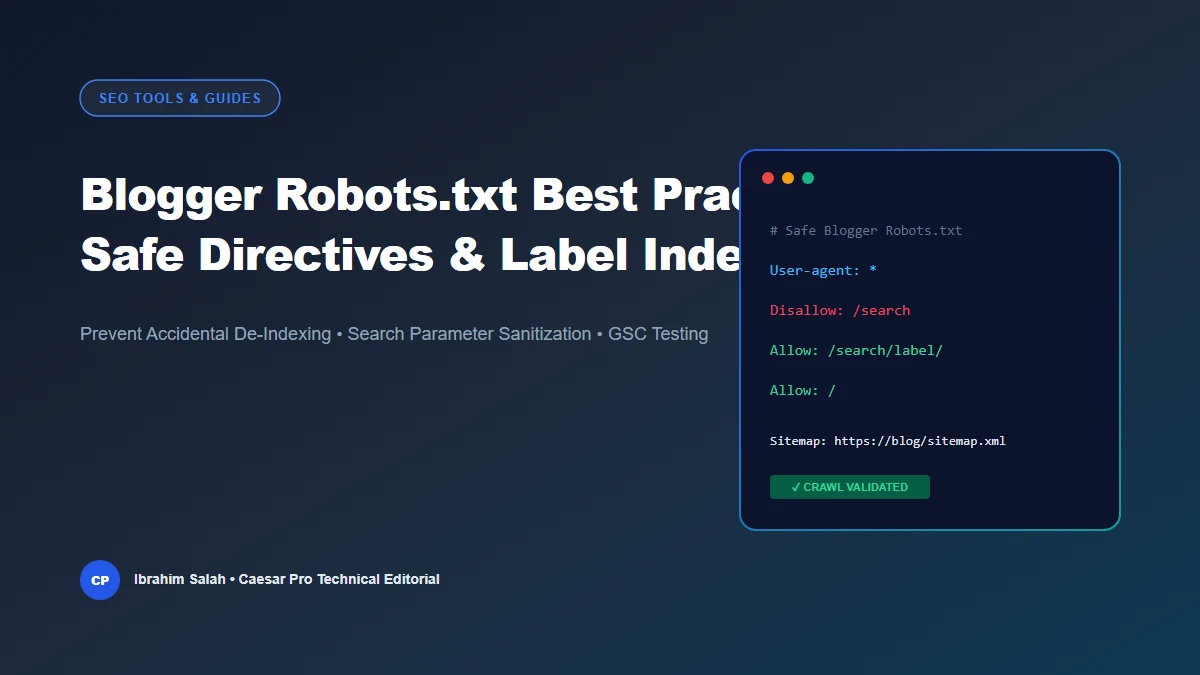
3. The Authoritative Blogger Robots.txt Template
The following configuration represents the gold standard for Blogger blogs. Generate your customized version using our free Blogger Robots.txt Generator & Directives Validator:
User-agent: *
Disallow: /search
Allow: /search/label/
Allow: /
Sitemap: https://yourdomain.com/sitemap.xml
Sitemap: https://yourdomain.com/atom.xml?redirect=false&start-index=1&max-results=500
4. Preserving Topic Clusters: Why Allow: /search/label/ is Critical
Search engines adhere to the most specific rule principle. When evaluating https://yourdomain.com/search/label/technical-seo, Googlebot compares the two rules:
Disallow: /search(matches 7 characters)Allow: /search/label/(matches 14 characters)
Because the Allow directive has a longer matching character sequence, Googlebot executes the allow rule. This allows Googlebot to traverse your category tags while simultaneously refusing requests to internal search queries like /search?q=test.
5. Testing Directives in Google Search Console
After saving your custom robots.txt in Blogger Settings, verify the live response:
- Navigate to Google Search Console → Settings → Robots.txt.
- Review the Status report to confirm Googlebot retrieved HTTP 200 with zero syntax warnings.
- Use the Test URL against robots.txt tool to verify that individual post URLs return Allowed and query strings return Blocked.